Website transfers
How to download a website backup from DreamHost
DreamHost offers an account backup and manual file-and-database routes. Save all the required parts before moving your website.
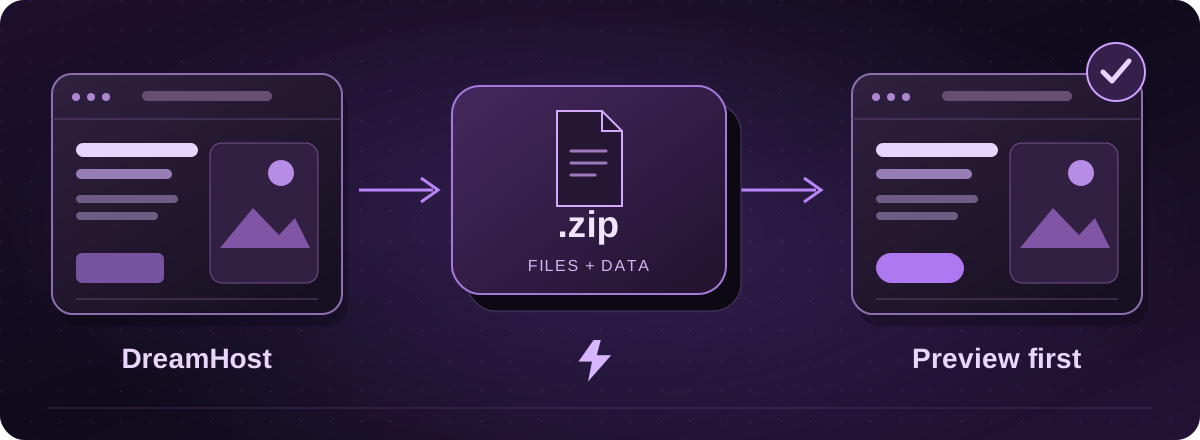
An account backup may be the easiest starting point
DreamHost’s panel can prepare a backup of the account’s users, databases and mailboxes. It produces separate archive files rather than a single ready-to-run website.
If the account includes several businesses or websites, tell the migration team which domain is moving. Not everything in a full account backup belongs in the new hosting.
Official instructions: DreamHost: back up an account in the panel (opens in a new tab)
Prepare and save the account backup
- Open Manage Account in DreamHost’s panel. Find Back Up Your Account and choose Create a Backup.
- Choose Back me up! and wait for the completion email.
- Return to the backup page and download the required archives individually. DreamHost documents a 14-day download window, so save the files promptly.
Official instructions: DreamHost: back up an account in the panel (opens in a new tab)
A manual website copy is another option
DreamHost also documents downloading website files through a file-transfer program and exporting the database through phpMyAdmin or SSH. Those are separate tasks. A WordPress site generally needs both parts.
Your developer can handle the technical export if you prefer. Agree temporary access and a private handover method rather than sending your main account password around.
Official instructions: DreamHost: manually back up website data (opens in a new tab)
Do not forget what sits outside the files
Record any scheduled jobs, outside services, paid plugins and email-sending arrangements. If the site is taking orders or bookings, the backup date matters: newer information will need an agreed final handover.
Lightning confirms the hosting requirements and prepares a separate copy to test. You approve the preview before the live destination changes. We check domain and email dependencies separately, so leave the original service in place until those checks are complete.
These guides cover the provider’s published export options. Menus and plan access can change. We assess your particular website before confirming a transfer or rebuild.