Website transfers
How to export a website from HostGator
HostGator’s cPanel backup can save a complete account. Other products and backup tools need their own download route.
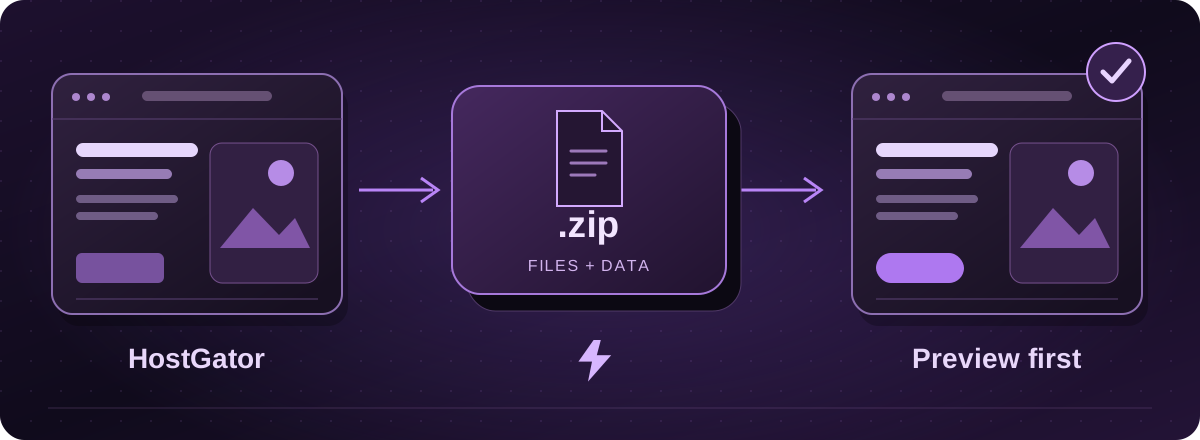
Use instructions for the product you have
HostGator documents several backup tools, including cPanel, Plesk and third-party backup services. Check the hosting product and tools visible in your account. A cPanel full backup is a useful route when that option is available.
If the site was made with a proprietary builder, ask about that product’s export limits before treating it as an ordinary file-based website.
Official instructions: HostGator: generate and download a website backup (opens in a new tab)
Create and download a full cPanel backup
- In cPanel, open Files > Backup and choose Download a Full Account Backup.
- Select Home Directory as the destination, enter the notification email and choose Generate Backup. Allow it to finish.
- Return to the backup screen, open Download a Full Account Backup and save the file listed under Backups Available for Download.
Official instructions: HostGator: generate and download a website backup (opens in a new tab)
What if the backup cannot be created?
HostGator documents size and file-count limits for some cPanel plans. If your account is too large or the backup does not finish, contact support about the appropriate export route.
You do not need to buy a new backup service simply to try random options. Tell us what tools are already available and we can agree how to collect the website files and database.
Official instructions: HostGator: generate and download a website backup (opens in a new tab)
Keep the original safe while we check the copy
A full account archive may include email and private configuration as well as the website. Arrange a private handover and keep an unchanged copy. Do not place the archive in a public downloads folder.
Lightning assesses the software and features before preparing the replacement hosting. You review a private preview, and we agree any final data copy needed for a shop or booking site. Domain and email changes are planned separately, with hosting billing starting at go-live.
These guides cover the provider’s published export options. Menus and plan access can change. We assess your particular website before confirming a transfer or rebuild.