Website transfers
How to export a Hostinger website or builder content
A Hostinger WordPress site and a Hostinger builder site need different moving methods. Here is how to choose the right route.
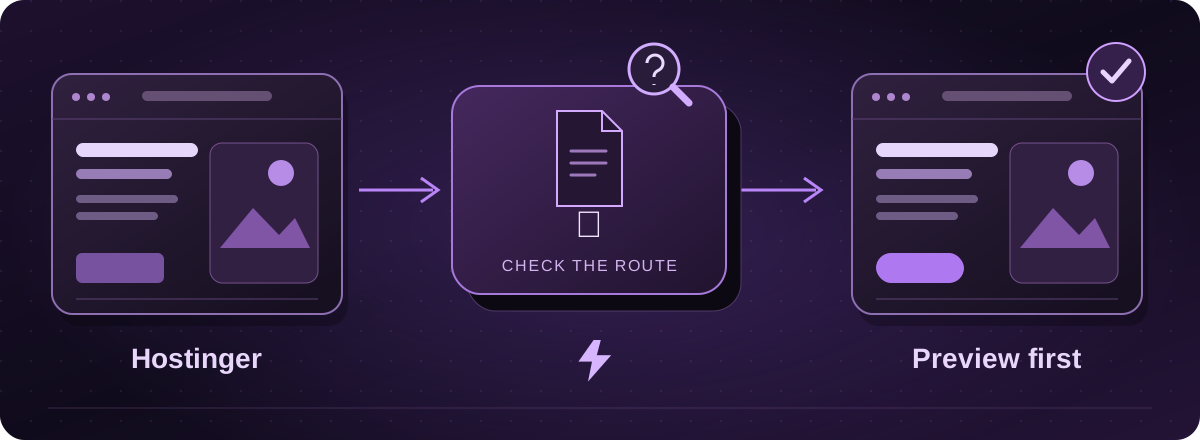
Which kind of Hostinger website do you have?
If the site runs WordPress, start with a complete file and database backup, as you would with another WordPress host. If it was made with Hostinger’s website builder, the content export has different limits.
Hostinger’s current documentation calls the builder export “AI Builder manual mode”. Check the name shown in your account, particularly if your site uses a newer product or an older builder.
Official instructions: Hostinger: export builder content to WordPress (opens in a new tab)
For builder content, there are two routes
The documented WordPress export can move regular pages, text, images and files to a prepared WordPress site. It does not include the layout, store, forms, integrations or SEO settings. This is a content transfer, not a complete copy of the design.
For another destination, Hostinger documents collecting the content manually and rebuilding. That may be the more useful route if your replacement will use HTML or React.
Official instructions: Hostinger: export builder content to WordPress (opens in a new tab)Hostinger: move builder content to another platform (opens in a new tab)
Prepare the content you want to keep
- Go through the pages and save the wording, original images and documents. Organise them by page so their intended positions are clear.
- If WordPress is the agreed destination, prepare a separate WordPress site with your migration team. In the builder’s settings menu, choose Export content to WordPress and follow the connection approval.
- Check the transferred pages and pictures. Do not overwrite or remove the live site just to try the export.
Official instructions: Hostinger: export builder content to WordPress (opens in a new tab)Hostinger: move builder content to another platform (opens in a new tab)
Look beyond the visible pages
Make a note of any enquiry forms, online shop, bookings and outside services. Those need their own handover. Save the important page addresses and search descriptions too, so the replacement does not lose them by accident.
Keep a record of your email and DNS arrangements before changing hosting. If website and email are bundled in the same subscription, check what cancelling that subscription would affect.
How Lightning can help
Give us the website address and the product name from your dashboard. We assess the practical route and quote the transfer or rebuild before work starts. You see a private proof and approve the result before the live switch.
These guides cover the provider’s published export options. Menus and plan access can change. We assess your particular website before confirming a transfer or rebuild.