Website transfers
How to export Shopify data before moving your website
You can download Shopify data and a theme, but that does not create a working shop on another host. Plan the shop and website together.
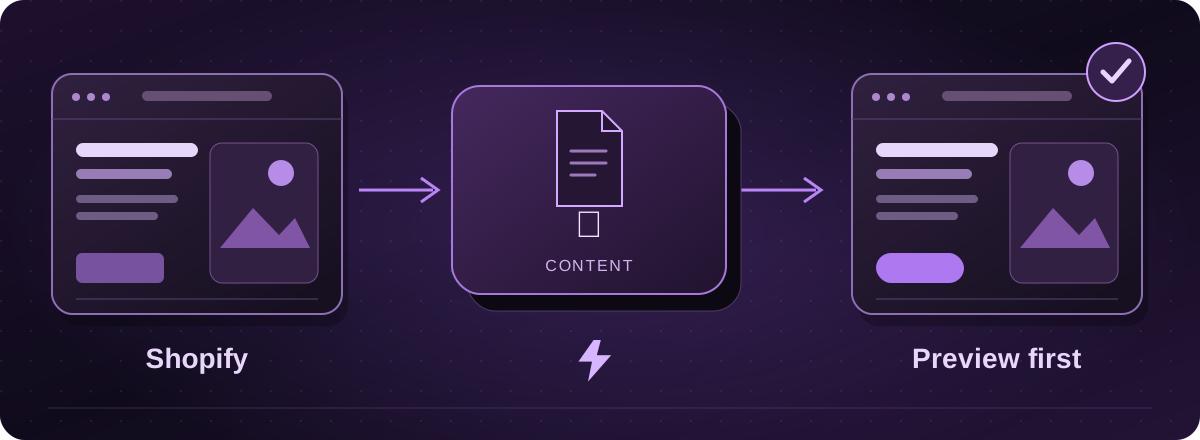
A Shopify theme is not a complete shop
Shopify lets you save store data and download a theme. That theme is made for Shopify. It does not turn into a working independent shop simply by putting the ZIP on a different server.
The theme download leaves out products, pages, blog posts, menus and other store content. Paid theme licences also have restrictions, so check those before planning to reuse the design.
Official instructions: Shopify: downloading themes (opens in a new tab)
Save the main parts separately
- Open Products in Shopify and choose Export to download your product data. Export the customer and order records you need from their own areas as well.
- Go to Online Store, find the theme’s actions menu and choose Download theme file. The ZIP is sent to the email for your staff login.
- Save the page and blog content you want to keep, and collect the original pictures. Product CSV files use image links rather than containing the pictures themselves.
Official instructions: Shopify: exporting products (opens in a new tab)Shopify: downloading themes (opens in a new tab)Shopify: backups and duplication (opens in a new tab)
Agree what happens to the shop before leaving
First, decide whether you are moving the shop or just the business information around it. Keeping a Shopify shop and rebuilding other pages is a different job from replacing checkout, stock management and order handling.
For a shop move, agree how to handle open orders, refunds, gift cards, subscriptions, tax and delivery rules. A data export is not proof that the destination can import everything. Shopify itself documents limits when moving store information.
Official instructions: Shopify: backups and duplication (opens in a new tab)
Let the last sale be part of the plan
Keep the current shop running while the replacement is checked. Agree a final data handover so orders placed during the build are not missed. Test a complete purchase and its confirmation before moving customers.
Lightning assesses ecommerce work separately. Our everyday hosting and Arc plans should not be read as an automatic Shopify shop replacement. Start with your store address and we will confirm the practical options and scope.
These guides cover the provider’s published export options. Menus and plan access can change. We assess your particular website before confirming a transfer or rebuild.