Website transfers
How to move a website from SiteHost
SiteHost has several hosting products. A website handover needs the right files, database and settings for the product you actually use.
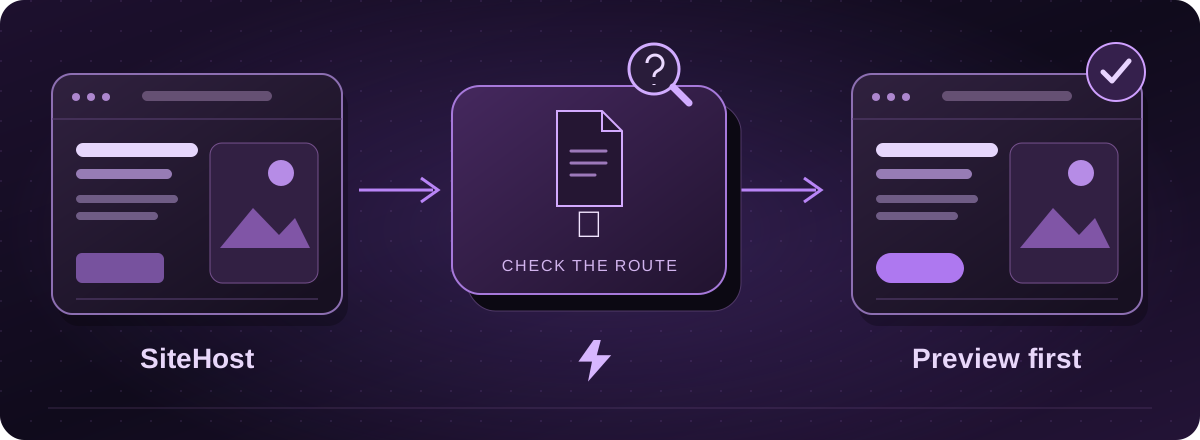
Start with the hosting product
Check whether the website uses Cloud Containers, shared hosting or a virtual server. Those have different backup and access arrangements. For shared hosting, SiteHost’s Websites area links the domain to its files and associated services.
Give Lightning the product name and website address. We can agree the handover with you or your developer, rather than ask you to work out which server settings matter.
Official instructions: SiteHost: shared-hosting websites and file access (opens in a new tab)
For Cloud Containers, prepare a current backup
- In SiteHost Control Panel, open Containers and select the relevant container.
- Open Backups, enter a useful backup name and choose Backup Now. Wait for it to complete.
- Arrange the backup handover through the authorised technical contact. SiteHost exposes container backups through its backup folders and SSH access; this is not a single universal website-export button.
Official instructions: SiteHost: backing up a Cloud Container (opens in a new tab)SiteHost: accessing container backups (opens in a new tab)
Include the database and the services around it
Check the database’s configured backup location as well. SiteHost documents storing database backups in the selected container’s backups directory. Do not assume the visible website folder contains its content database.
For the move, we also need to understand scheduled jobs, file storage, email sending and any custom application settings. You do not need to write a technical specification yourself. Your developer can help assemble the details.
Official instructions: SiteHost: managing container databases and backup locations (opens in a new tab)
Test the destination, not just the backup
A server or container recovery copy is useful, but it does not prove the application will run unchanged on a different setup. Lightning checks the actual website requirements and agrees any adaptation before the move.
We show you a private copy and confirm the live handover, including new orders or bookings where relevant. Keep the existing service until the replacement, DNS and email arrangements have been checked.
These guides cover the provider’s published export options. Menus and plan access can change. We assess your particular website before confirming a transfer or rebuild.