Website transfers
How to export a Squarespace website and move to new hosting
Squarespace can export some of your content, but not the whole design. Here is what to save and how to plan the move.
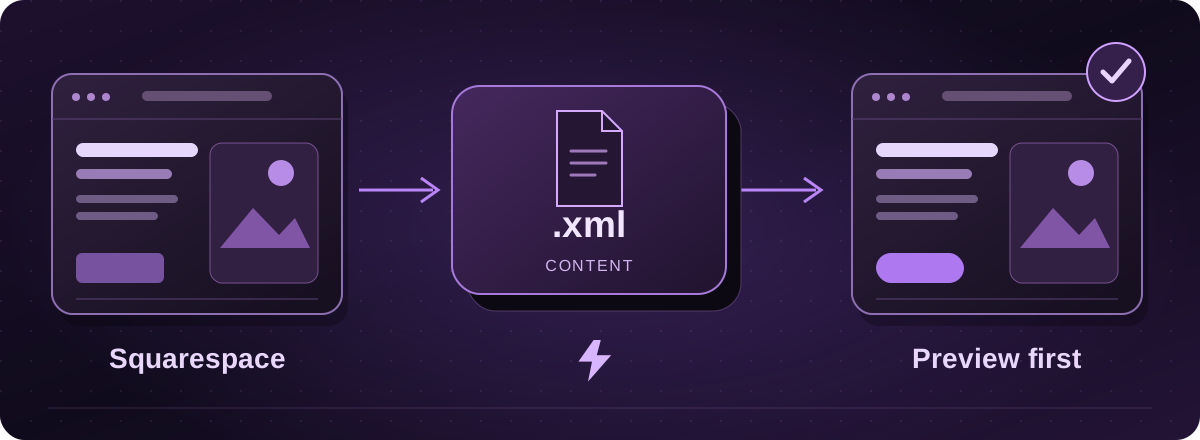
Can I take my Squarespace website with me?
You can take some content, but there is no complete design export in Squarespace’s standard export tool. It creates a WordPress-format XML file. Think of that as a parcel of content for the next website, rather than a website ready to switch on.
The export includes supported pages and blocks, plus one blog and its posts. Styles, custom CSS, store pages and several other page types are left out.
Official instructions: Squarespace: export your site content (opens in a new tab)
Download the content export
- On your published, public Squarespace site, open the Import & export content panel and choose Export. This export is not available on a trial.
- Choose WordPress. If you have several blogs, select the one to export. The file format is the same even if the new website will not use WordPress.
- Wait for the export to finish, then choose Download and keep the XML file.
Official instructions: Squarespace: export your site content (opens in a new tab)
Save the pictures and the missing pages
Image links in an export are not a guarantee that the pictures have been copied. Download the originals you want to keep and check the new site has its own copies before closing Squarespace.
Keep a page list, PDFs and screenshots of the layouts you like as well. If you sell products, take bookings or have a members area, tell us before the quote. Those features need a separate plan.
Official instructions: Squarespace: export your site content (opens in a new tab)
What happens when you move to Lightning?
Start with your current website address. We assess what can be reused and agree the rebuild before work begins. You can keep the wording and colours you like, or use the move to modernise the site.
We prepare a private preview, check important page addresses and plan redirects for any that change. Keep Squarespace running until the new website and its pictures have been checked and you have approved the switch.
These guides cover the provider’s published export options. Menus and plan access can change. We assess your particular website before confirming a transfer or rebuild.