Website transfers
Can you export a Wix website to another host?
A Wix website needs Wix hosting. You can still move your business website by saving its content and rebuilding it elsewhere.
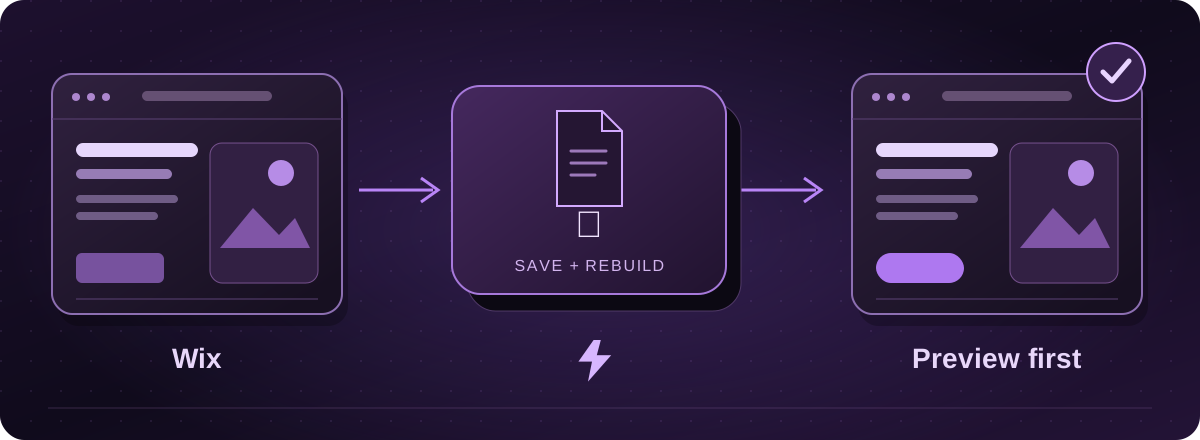
There is no complete Wix site download for another host
Wix’s website system relies on its own hosting. Its standard tools do not export a working Wix website for another provider. Changing the domain’s settings alone will not move the site.
For a move to Lightning, we would assess a rebuild. Your existing site gives us a useful reference for the pages, wording and appearance you want to keep.
Official instructions: Wix: exporting or embedding your site elsewhere (opens in a new tab)
Start with the parts you can save
- Make a list of the pages you need, then save your text, original pictures and downloadable documents. Take screenshots of any layouts you want to keep.
- If you use Wix Stores, open Products in the dashboard, select the products and look under More Actions for Export. Wix has different product screens, so follow the linked instructions for your version.
- For contacts, the site owner can open Contacts, choose Import / Export, then Export. Save the CSV separately from the page content.
Official instructions: Wix: exporting your product list (opens in a new tab)Wix: exporting your contacts (opens in a new tab)
Give bookings, shops and memberships their own plan
A product spreadsheet does not bring a checkout or booking system with it. Wix’s product export also has limits, including no digital product export through the documented product-list tool.
Tell us how customers use the current site, especially if they pay, book or sign in. We agree what will replace those features before you commit to the move. Keep customer data private when arranging the handover.
Official instructions: Wix: exporting your product list (opens in a new tab)
Keep the old website until the new one is ready
We build and check the replacement on a private preview first. You review it on your phone and computer, and we check the enquiry form and important old page addresses.
Your domain registration and email can be handled separately. We check those connections before changing where visitors go. Do not cancel Wix just because you have downloaded a spreadsheet.
These guides cover the provider’s published export options. Menus and plan access can change. We assess your particular website before confirming a transfer or rebuild.