Website transfers
How to export a Duda website to another host
Duda offers a site ZIP on eligible accounts. The ordinary pages can move, but several hosted features do not come with them.
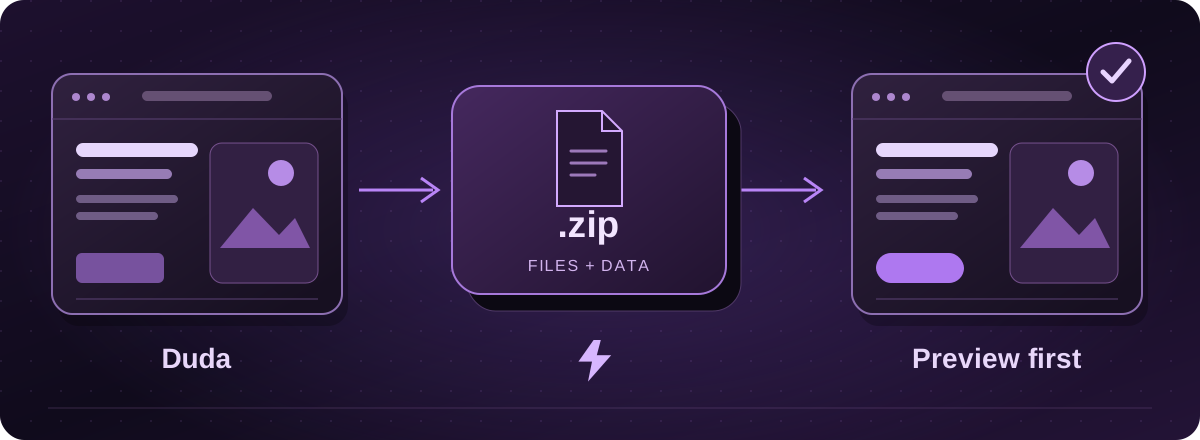
Who can download the site?
Duda offers Site Export on Agency plans and higher. The account owner or a staff member can export a published site, subject to the documented 1 GB size limit. If an agency manages your website, ask them to check the account and arrange the export.
Official instructions: Duda: site export and its limitations (opens in a new tab)
Create the ZIP
- Open the published site in Duda’s editor.
- In the side panel, choose More, then Settings and Site Export.
- Choose Export Site and save the ZIP. Keep the original while the exported version is assessed.
Official instructions: Duda: site export and its limitations (opens in a new tab)
Check what will stop working
The ZIP contains page files and assets, but it does not carry a working store, membership system or dynamic pages. The blog is not exported as normal HTML pages. Contact forms and other hosted features need replacing.
Password protection is not retained, even though the page files can be exported. Check for private content before making any export public.
Official instructions: Duda: site export and its limitations (opens in a new tab)
Let your agency know what you need
Ask your agency for more than the ZIP. Include the original logo and pictures, the page list, important search titles and a note of any forms, booking links or third-party tools.
Check what your agreement allows you to reuse. Duda has restrictions on the exported code and template designs. A hosting move should preserve the rights attached to the material, rather than assume every asset is unrestricted.
Official instructions: Duda: site export and its limitations (opens in a new tab)
The move to Lightning
We inspect the export and agree which features will be reconnected or rebuilt. The result needs checking on phones as well as computers, particularly if the export contains different versions for different devices.
You review the private copy before the live switch. We confirm Arc compatibility for the finished website separately from the ability to host the exported files.
These guides cover the provider’s published export options. Menus and plan access can change. We assess your particular website before confirming a transfer or rebuild.