Website transfers
How to save Instapage landing pages before moving
An .instapage download is for Instapage, not another web host. Here is how to save the page and plan a replacement.
What does the download actually give you?
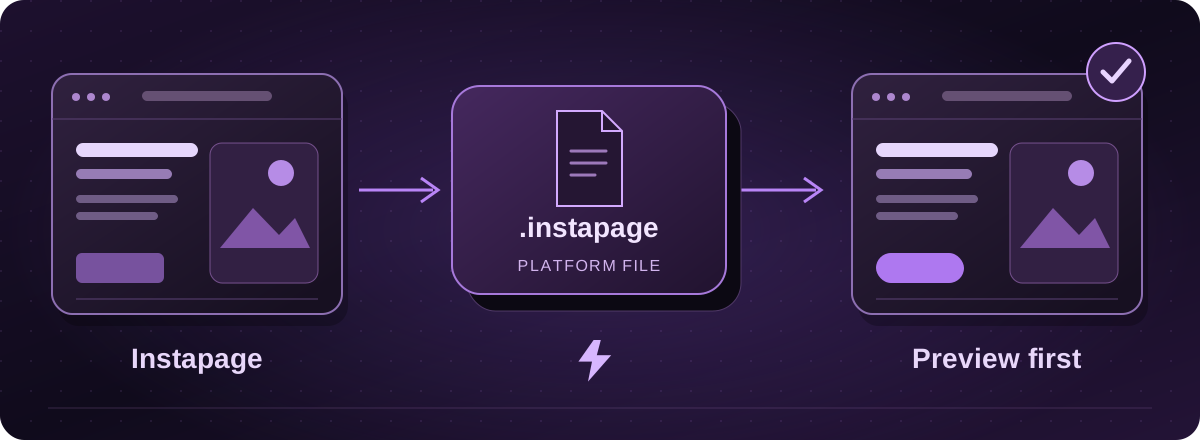
On a paid subscription, Instapage lets you download pages in its .instapage format. Those files can be uploaded to Instapage again. They are not an HTML export you can put on an AWS server.
If you want to leave Instapage hosting, plan to rebuild the landing page. Save the platform file as a backup, then collect the text, images and campaign details for the replacement.
Official instructions: Instapage: downloading and uploading landing pages (opens in a new tab)
Save a page and its enquiries
- Open your landing-page list in the Instapage dashboard. Use the page’s download option and save the .instapage file. Downloads are not available during the trial.
- Save the original pictures, the live page address and screenshots of the desktop and phone layouts. Record the thank-you page and where each button leads.
- Open the page’s Leads area and use Download to save its lead data. Instapage offers TXT, CSV and XLSX. Leads from an embedded form need to be collected from that form’s provider.
Official instructions: Instapage: downloading and uploading landing pages (opens in a new tab)Instapage: lead management and downloads (opens in a new tab)
Check the parts behind the page
A landing page often does more than collect a name. Make a note of the form fields, mailing-list connection, advertising tags, consent settings and any page variations being tested.
Even an upload back into Instapage leaves out some page settings and Global Blocks. Treat the downloaded file as one part of the handover, rather than a complete record of the campaign.
Official instructions: Instapage: downloading and uploading landing pages (opens in a new tab)
Move the campaign after testing the replacement
With Lightning, we agree the page and integrations to rebuild, then show you a private proof. We test an enquiry all the way to its destination before the agreed live switch.
Keep the old page available while the replacement is checked. If an advert uses a particular address or tracking parameter, include it in the handover so the move does not send paid traffic to a missing page.
These guides cover the provider’s published export options. Menus and plan access can change. We assess your particular website before confirming a transfer or rebuild.