Website transfers
How to save Unbounce landing pages before moving hosts
Classic Builder pages can be downloaded as .unbounce files. Those are for Unbounce, so a move to separate hosting needs a rebuild.
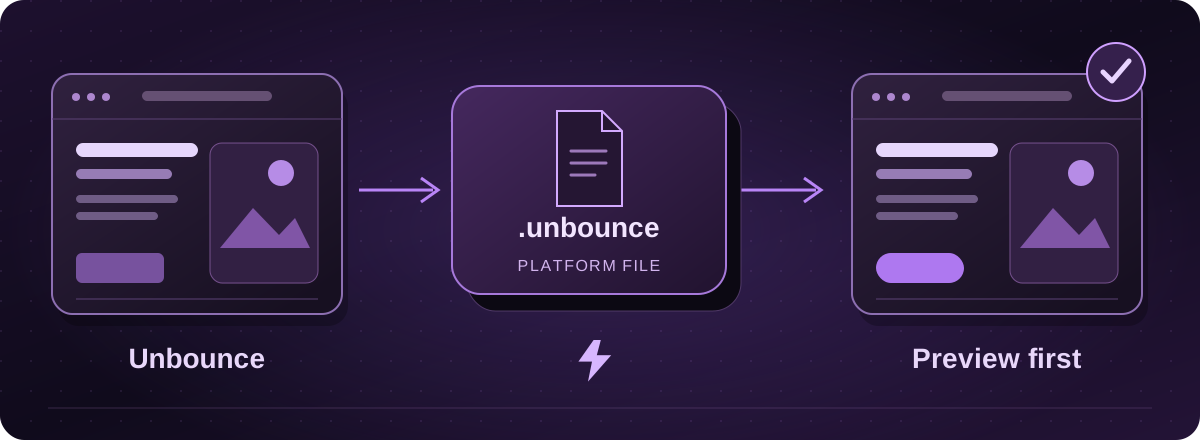
The download stays in the Unbounce format
Unbounce’s documented download works for Classic Builder pages and produces a .unbounce file. It is for use within Unbounce, not an HTML website for a different host. Smart Builder pages do not have the same download option.
For a move to Lightning hosting, we would plan a landing-page rebuild. The download is still worth keeping as a platform backup if it is available for your page.
Official instructions: Unbounce: downloading or uploading a page (opens in a new tab)
Save a Classic Builder page
- Use an account with Owner, Admin or Author permission and open All Pages.
- Find the page, open its three-dot menu and choose Download Page.
- Select Email Download Link, then save the file from the email when it is ready.
Official instructions: Unbounce: downloading or uploading a page (opens in a new tab)
Keep the enquiries and campaign details separately
Download the lead data as CSV as well. Unbounce’s page-download guide points to that separate export. Downloading and re-uploading a page resets its page and variant statistics.
Record the live address, form fields, thank-you page, advertising tags and any variations you want to retain. Save the writing and original pictures, with screenshots of the phone and desktop versions.
Official instructions: Unbounce: downloading or uploading a page (opens in a new tab)
Do not cancel before the handover is checked
Unbounce’s cancellation guidance warns that account and lead data may be deleted after a period without a paid plan. Save what you need while you still have access rather than rely on recovering it later.
Keep the current campaign available until the replacement has been tested. Send a test enquiry through the new form and check that it reaches the right person or system.
Official instructions: Unbounce: cancellation and retained data (opens in a new tab)
How the Lightning move works
Start with your landing-page address and tell us which campaigns depend on it. We agree the content and features to rebuild, show you a private proof and arrange the live switch after approval.
If you would rather keep using Unbounce, changing its domain connection is not a move of the page to Lightning hosting. We can help distinguish the two before you choose a service.
These guides cover the provider’s published export options. Menus and plan access can change. We assess your particular website before confirming a transfer or rebuild.