Website transfers
How to export a Webflow website to another host
Webflow can export static website files on eligible Workspace plans. CMS content, forms and shops need separate work.
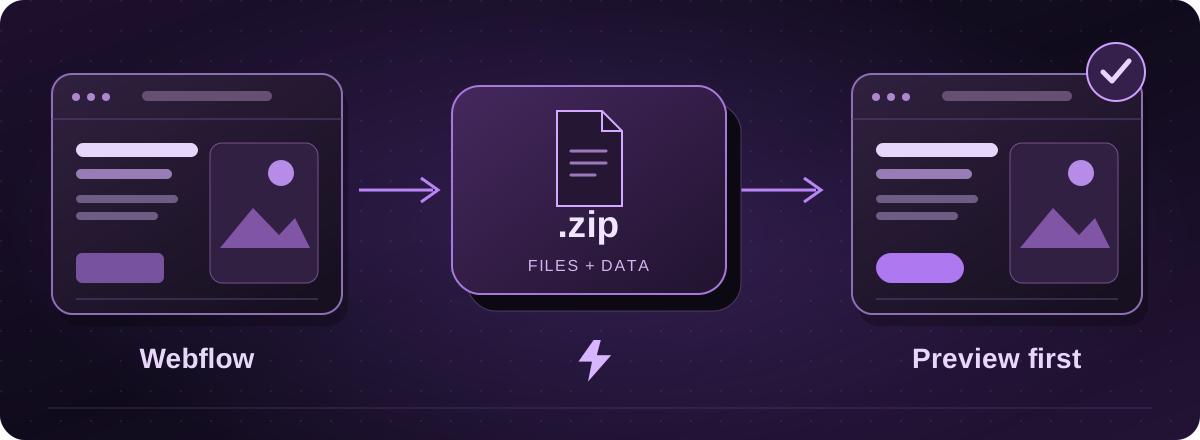
Check the Workspace plan first
Webflow code export is available on paid Workspace plans. Paying for a Site plan alone does not include it. The download contains HTML, CSS, JavaScript and assets for the exported site.
Official instructions: Webflow: export your site code (opens in a new tab)
Download the website files
- Open the website in Webflow and open the main menu from the W logo.
- Choose Code export, then Prepare ZIP.
- Download the ZIP and keep the original unchanged. Save a separate record of any CMS content and store data you need.
Official instructions: Webflow: export your site code (opens in a new tab)
The code export leaves some important gaps
Blog entries, shop products and sign-in accounts do not become a working system in the ZIP. Pages that pull content from Webflow’s CMS can be empty. Forms, site search and localisation also need attention.
Password protection is not retained in exported pages. Check for private material before anyone puts the files on public hosting.
Official instructions: Webflow: export your site code (opens in a new tab)
What we would check with you
For a small brochure site, the export may be a useful basis for a move. For a site with a large blog, several languages or a shop, we first agree how the missing content and features will be handled.
Check custom code, fonts and image licences too. A downloaded page looking right is only the start. Try the menu, enquiry form and important links on a phone, then check where the form actually sends an enquiry.
From export to live hosting
Give Lightning the current address and tell us whether you can access Code export. We assess the files and confirm what can transfer, what needs rebuilding and whether the finished site will support your planned Arc changes.
You review a private proof before we change the live destination. We plan redirects where addresses change and check domain and email settings separately. Hosting billing starts when the website is live with us.
These guides cover the provider’s published export options. Menus and plan access can change. We assess your particular website before confirming a transfer or rebuild.