Website transfers
How to export a Weebly website
The classic Weebly editor can email you a website archive. It leaves out blog and shop pages, and some features need replacing.
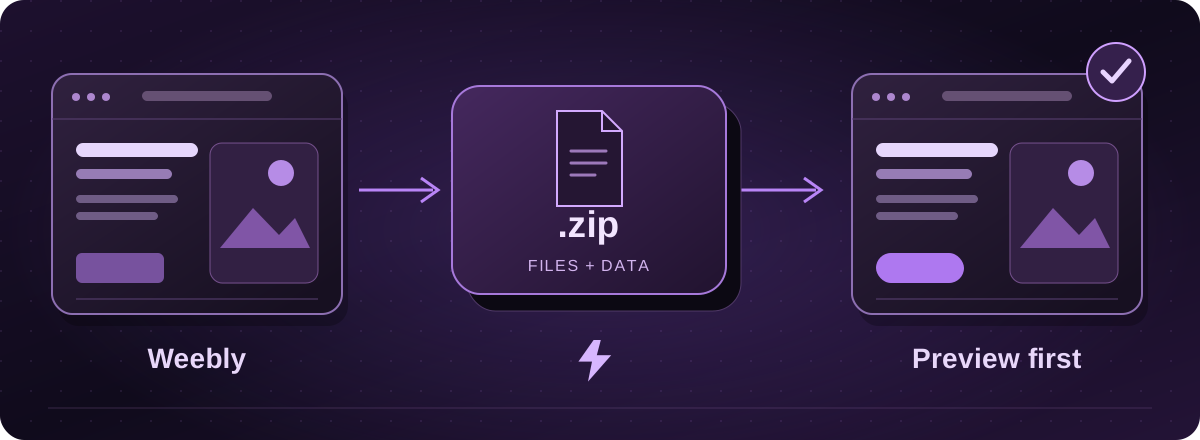
First, check that you have the classic Weebly editor
This guide covers Weebly’s classic site editor and its Archive feature. Square Online has a different editor and moving process. If your dashboard does not match these steps, check the product before looking for the download.
Email yourself the website archive
- Open the Weebly site editor and go to Settings, then General.
- Find Archive, enter your email address and choose Email Archive.
- Open the email and download the ZIP. Keep an untouched copy before passing it on for assessment.
Official instructions: Weebly: back up your site (opens in a new tab)
What is missing from the ZIP?
Weebly says blog and store pages are excluded because they rely on its database. Contact forms and slideshows may also stop working away from Weebly. The archive cannot be imported back into Weebly.
Save blog writing and original images separately. For an online shop, download the relevant business records as well. Weebly provides an order export, but that is a record of orders, not a replacement shop.
Official instructions: Weebly: back up your site (opens in a new tab)Weebly: export orders (opens in a new tab)
Check the old pages against the copied site
Open the downloaded version alongside the live website. Check the page list, menu, pictures and links, then try the parts visitors actually use. A contact form that looks correct can still have nowhere to send an enquiry.
If you have several years of blog posts, tell us early. We can agree how much content to bring across and whether to keep, combine or redirect the older pages.
Moving to Lightning
Start with the website address and let us know that you have a Weebly archive. We assess whether to use the exported pages or rebuild a cleaner version, and confirm the cost and supported features.
You approve a private preview before the live switch. Keep the old account until the content and email arrangements have been checked. Domain registration can stay separate from the website move.
These guides cover the provider’s published export options. Menus and plan access can change. We assess your particular website before confirming a transfer or rebuild.