Website transfers
How to move a Square Online website and save your data
Save the item library and business records, then plan the website rebuild. A Square spreadsheet is not a complete website export.
Square Online and classic Weebly are different
Do not expect to find the classic Weebly Archive button in Square Online. Square’s support guidance says there is no customer website backup download for Square Online. We plan a replacement website rather than promise a complete HTML export.
You can still save useful business data. Start with your item library, page content and the records you need to keep.
Official instructions: Square support: website backup availability (opens in a new tab)
Download the item library
- Sign in to Square Dashboard and open Items, then Item library. The surrounding menu may say Items & services, Items & menus or Items & inventory.
- Choose Actions, then Export Library. Select All items if you want the complete library rather than the current filtered view.
- Choose Excel or CSV and export the file. Keep the original unchanged, especially if product codes contain leading zeroes.
Official instructions: Square: export your existing item library (opens in a new tab)
Save the website content and records too
Copy the text for the pages you want to keep and collect the original images, PDFs and page addresses. Save screenshots of important layouts. The item spreadsheet does not contain the design of the website.
Square also offers report downloads. Decide which sales records you need before closing any service. Handle customer records privately and agree how open orders or outstanding payments will be managed.
Official instructions: Square: print, export or email reports (opens in a new tab)
Decide whether you are moving the shop as well
You may want a new business website while keeping Square for in-person sales or another part of the business. That is a different brief from replacing the online checkout and stock connections.
Tell us what customers currently buy, book or collect through the site. Lightning assesses those features separately and confirms the scope before you pay for a rebuild. The standard hosting plan is not a promise to recreate every Square feature.
Switch after the replacement has been checked
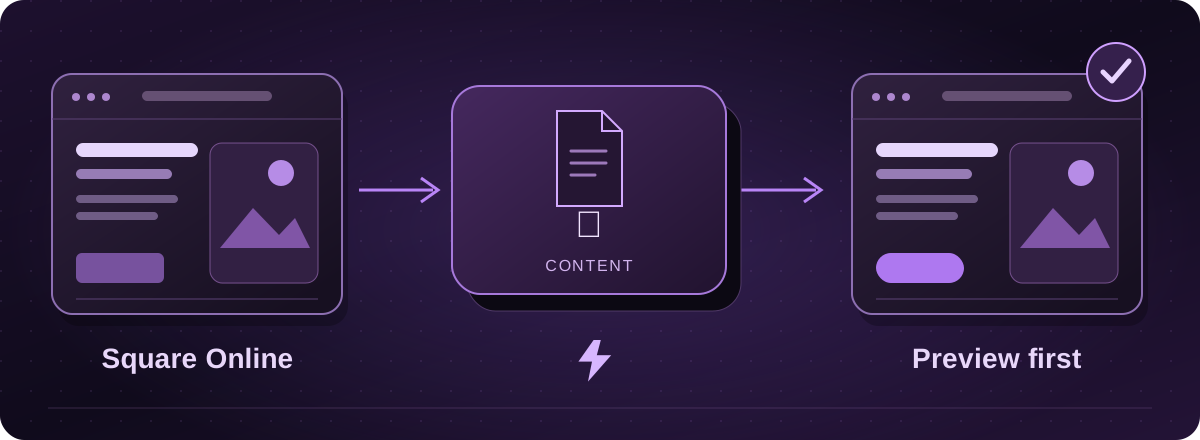
We prepare a private preview and check the key visitor journeys with you. Agree a final stock and order handover if needed, then arrange the domain changes. Keep the existing website until that process is complete.
These guides cover the provider’s published export options. Menus and plan access can change. We assess your particular website before confirming a transfer or rebuild.