Website transfers
How to export a WordPress website from WP Engine
Prepare a full backup ZIP from the correct WP Engine environment. Then check the settings and services needed on the new host.
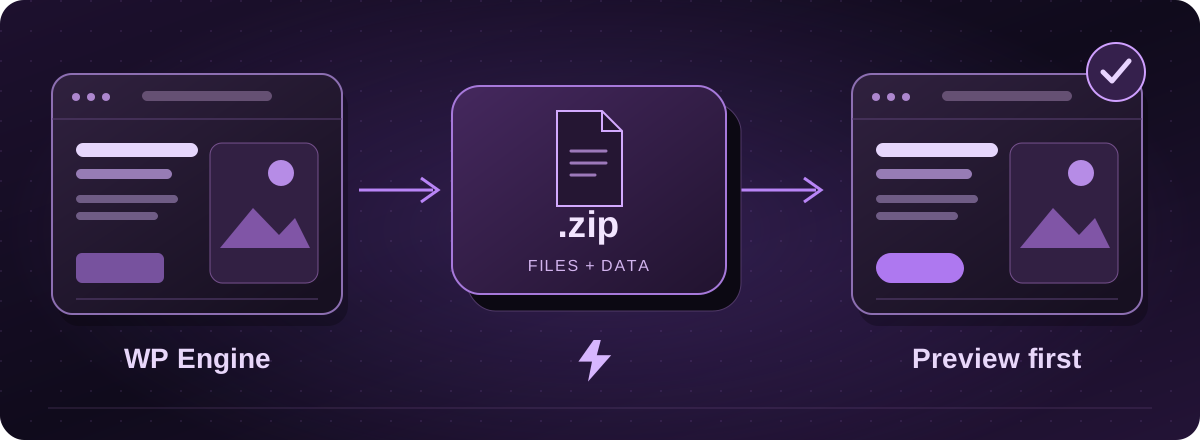
Choose the right environment first
WP Engine keeps separate environments for live, staging and development sites. In the User Portal, select the environment that holds the website you intend to move, then open Backups.
A fresh backup avoids starting with an old draft or a staging site. Note the backup date and tell the migration team whether content or orders have changed since.
Official instructions: WP Engine: backup access, downloads and exclusions (opens in a new tab)
Prepare the full backup ZIP
- On the environment’s Backups page, choose a completed backup point and open its three-dot actions menu.
- Choose Prepare ZIP and select Full Backup so both files and database are included. Complete the notification details and confirm Prepare ZIP.
- When preparation finishes, choose Download ZIP beside the checkpoint and save the archive.
Official instructions: WP Engine: backup access, downloads and exclusions (opens in a new tab)
Check what the backup does not cover
The download is a useful WordPress handover, but we still need to assess services supplied by the existing host. Make a note of redirects, caching rules, email delivery, paid plugins and outside connections.
If the website uses a shop, a membership system or a custom application, include that in the brief. We confirm the software and support available on the destination before treating the backup as ready to publish.
Test privately before moving visitors
Lightning inspects the archive and prepares a separate website copy or an agreed rebuild. You review the pages and we test the important functions, including an actual enquiry through the form.
We agree any final data handover, then plan the live switch. Keep WP Engine active until the new copy has been checked. Moving WordPress hosting and enabling Arc updates across every plugin are separate matters, so we confirm compatibility with you.
These guides cover the provider’s published export options. Menus and plan access can change. We assess your particular website before confirming a transfer or rebuild.